Wednesday, December 12, 2012

Secret Lair Progress so far...

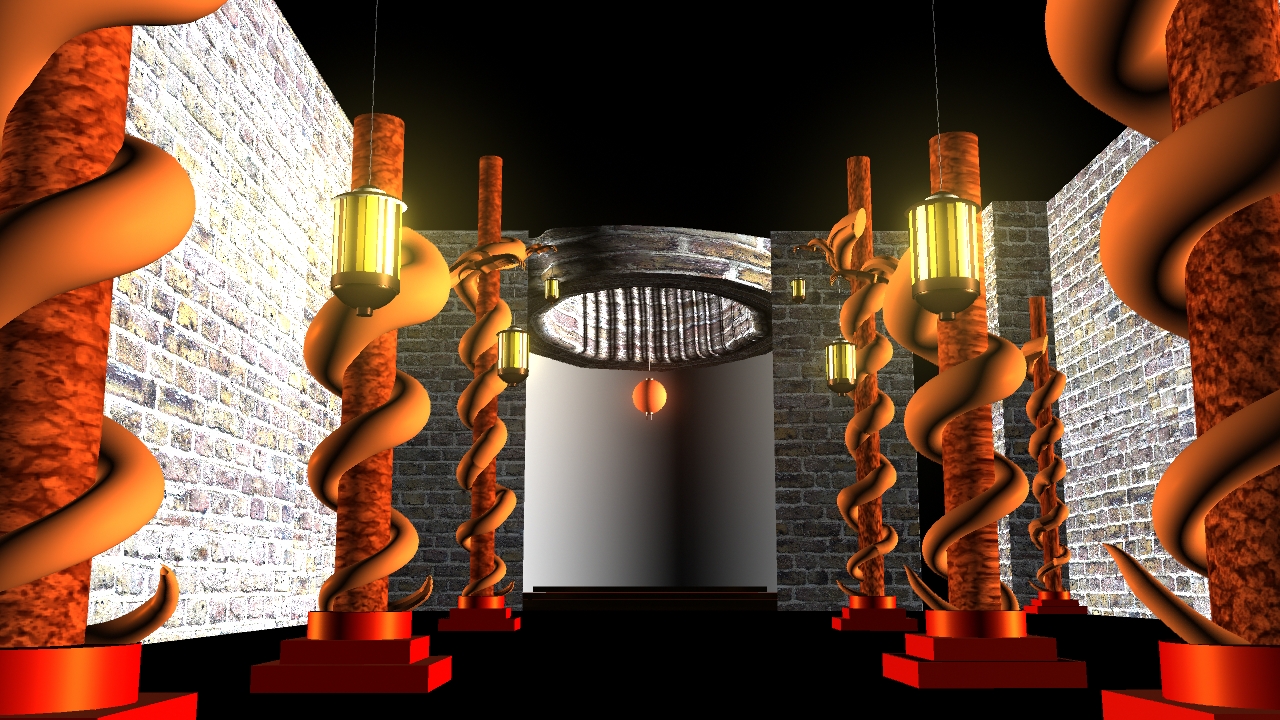
This is my progression since the last update...


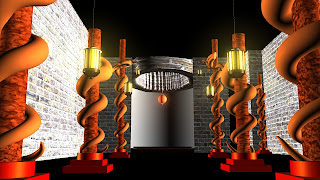


I decided to widen the space where my Hero Prop would be, I felt this seemed to work better in terms of opening up to scene


I previously planned to model my Hero prop, although I got of to the right track due to bad time management, I wont be able to fully model it in time to be rendered with my Secret Lair, so to solve this problem I'll be using a matte painting, I'll be posting how far I got with my hero Prop together with  the matte Painting...

Work left to do, before Final render:

The Dragons around the pillars don't look like dragons, If I can figure out how to unwrap the shapes and work on Photoshop, this could  be easily done.

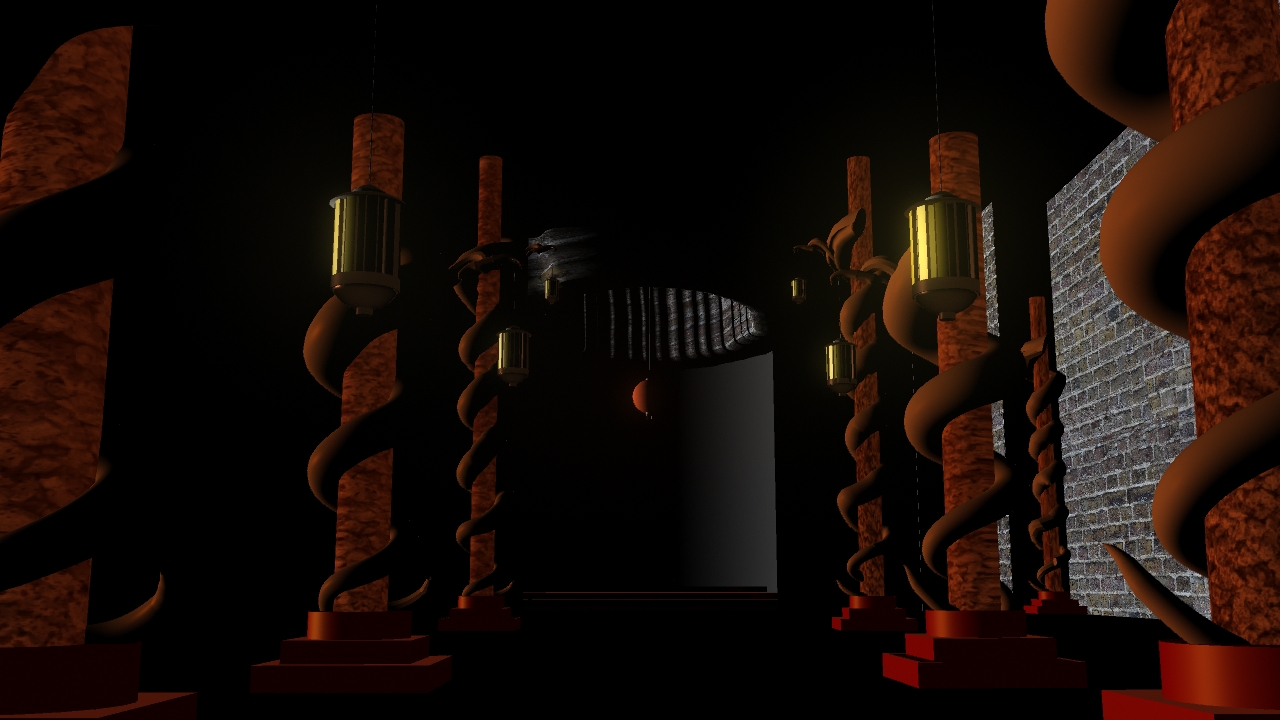
The Lighting still isn't right, more experimenting needs to be done...

The Matte painting of the Hero Prop 

Animation - Initial Ideas

Before going into the animation, I looked into types of characters and ideas on what to animate. This was before collaboration with Jake Bryant , so the ideas I have on the A1 sheet here are very early


Animation - Zoetrope Final Frames

....so before we went into drawing images on the zoetrope, my job was to finalize the frames and sizing of the character


Animation - Zoetrope Collaboration

For the Zoetrope animation, I settled on an idea of a monkey moving on  a guys shirt as he watched it disappear, deciding on how to animate took time and framing was a issue, as I had a complicated strip I decided to collaborate with Jake Bryant ; his previouse work on his Zoetrope can be found here http://jakejbryant.blogspot.co.uk/search/label/Toolkit%20Animation, We decided to further develop the idea of the guy and the monkey, because it was easier to do within the time frame we had.

...The work we did collaborating together, was the finalization of the characters, experimenting with colours to see what would work in a zoetrope and timing our frames, so it'll all be animated smoothly with the right effect.

....This is the work we produced together

colour schemes...


framing...

deciding of style of drawings 

Tuesday, December 4, 2012

Secret Lair Progress so far...

Transferring my scene into 3D....


The first thing I did was to try and get the basic shapes down to create the scene...

I tired to recreate the Dragon Pole from my concept, and I did this using a CV curve and mapping a cylinder to it, that way it would follow the curve i made, I had some issues making the dragons claw, which I have holding the lantern...to solve this problem, I tried to make a human hand and altering it as I went along to make it

The claw isn't too visible in my scene so i didn't spend too much time on it.


Before going into Maya, I went back and tried brainstorming some ideas for else could be included in my scene, I'm still working one what else could possibly added to the scene to improve it, I'll be taking it straight from thumbnail to 3D, if I think it works well...


Friday, November 30, 2012

Photoshop - Thumbnailing exercise

The purpose of the thumbnail excerise was to do quick digital paintings, then decide on one thumbnail to develop, in this excerise I worked into Thumbnail g..